

Note
Go to the end to download the full example code.
Plot with mesh deformation#
This tutorial shows different commands for plotting a deformed mesh without data.
A mesh is represented in DPF by a
MeshedRegion.
You can store multiple MeshedRegion objects in a DPF collection called
MeshesContainer.
You can obtain a MeshedRegion by creating your own from scratch or by getting it
from a result file. For more information, see the
Create a mesh from scratch and
Get a mesh from a result file tutorials.
PyDPF-Core has a variety of plotting methods for generating 3D plots with Python. These methods use VTK and leverage the PyVista library.
Load data to plot#
import ansys.dpf.core as dpf
from ansys.dpf.core import examples, operators as ops

# Download and get the path to an example result file
result_file_path_1 = examples.download_piston_rod()

# Create a model from the result file
model_1 = dpf.Model(data_sources=result_file_path_1)
Get the deformation field#
To deform the mesh, a nodal 3D vector field specifying the translation of each node in the mesh is needed.
The following DPF objects can represent such a field and are accepted as inputs for
the deform_by parameter of all plot methods:
Here, we use the
displacement
operator, which outputs a nodal 3D vector field of distances.
One can get the operator from the Model with
the data source already connected.
For more information about extracting results from a result file, see the
Import Data tutorials section.
disp_op = model_1.results.displacement()

# Define the scale factor to apply to the deformation
scl_fct = 2.0
Plot a deformed model#
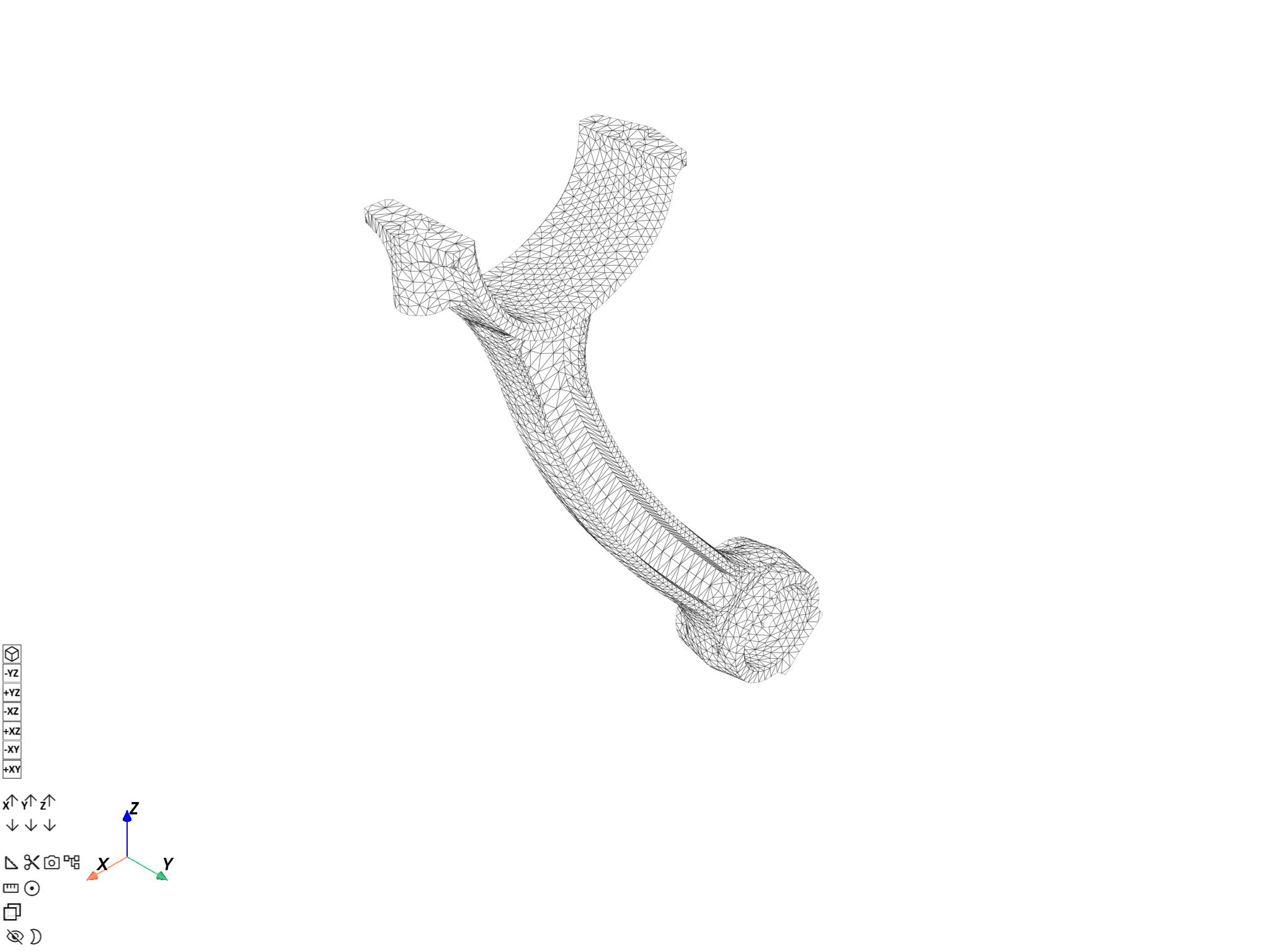
Plot the overall mesh loaded by the model with
Model.plot().
To add deformation, pass the displacement operator to the deform_by argument.
Note
The DpfPlotter displays the mesh
with edges, lighting and axis widget enabled by default. You can pass additional
PyVista arguments to all plotting methods to change the default behavior (see options
for pyvista.plot()).
model_1.plot(deform_by=disp_op, scale_factor=scl_fct)
([], <pyvista.plotting.plotter.Plotter object at 0x000002334B6B8530>)
Plot a single mesh#
Get the mesh#
meshed_region_1 = model_1.metadata.meshed_region
Plot the deformed mesh using MeshedRegion.plot()#
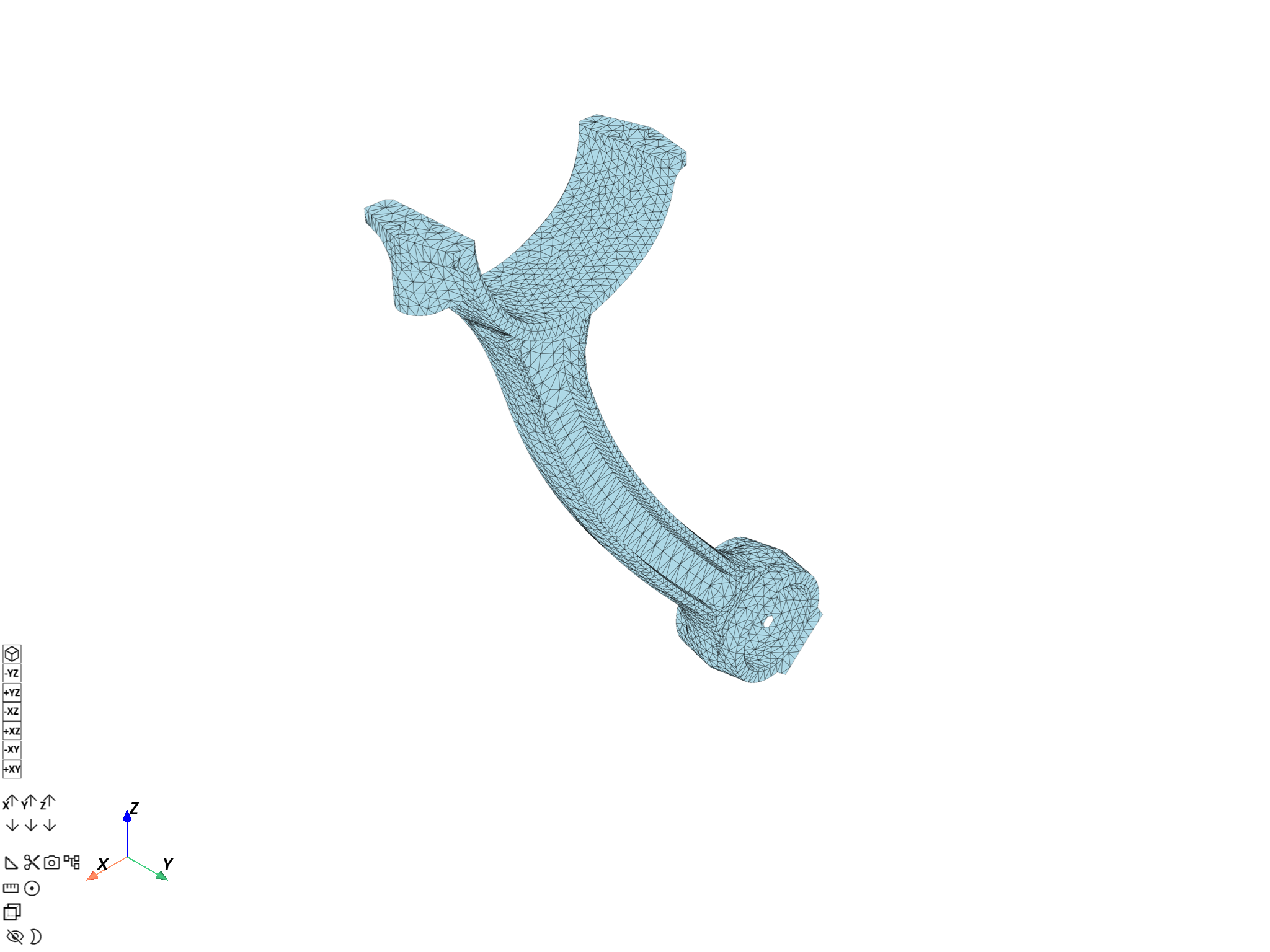
Use the
MeshedRegion.plot()
method and pass the displacement operator to the deform_by argument.
meshed_region_1.plot(deform_by=disp_op, scale_factor=scl_fct)
([], <pyvista.plotting.plotter.Plotter object at 0x000002334B818B00>)
Plot the deformed mesh using DpfPlotter#
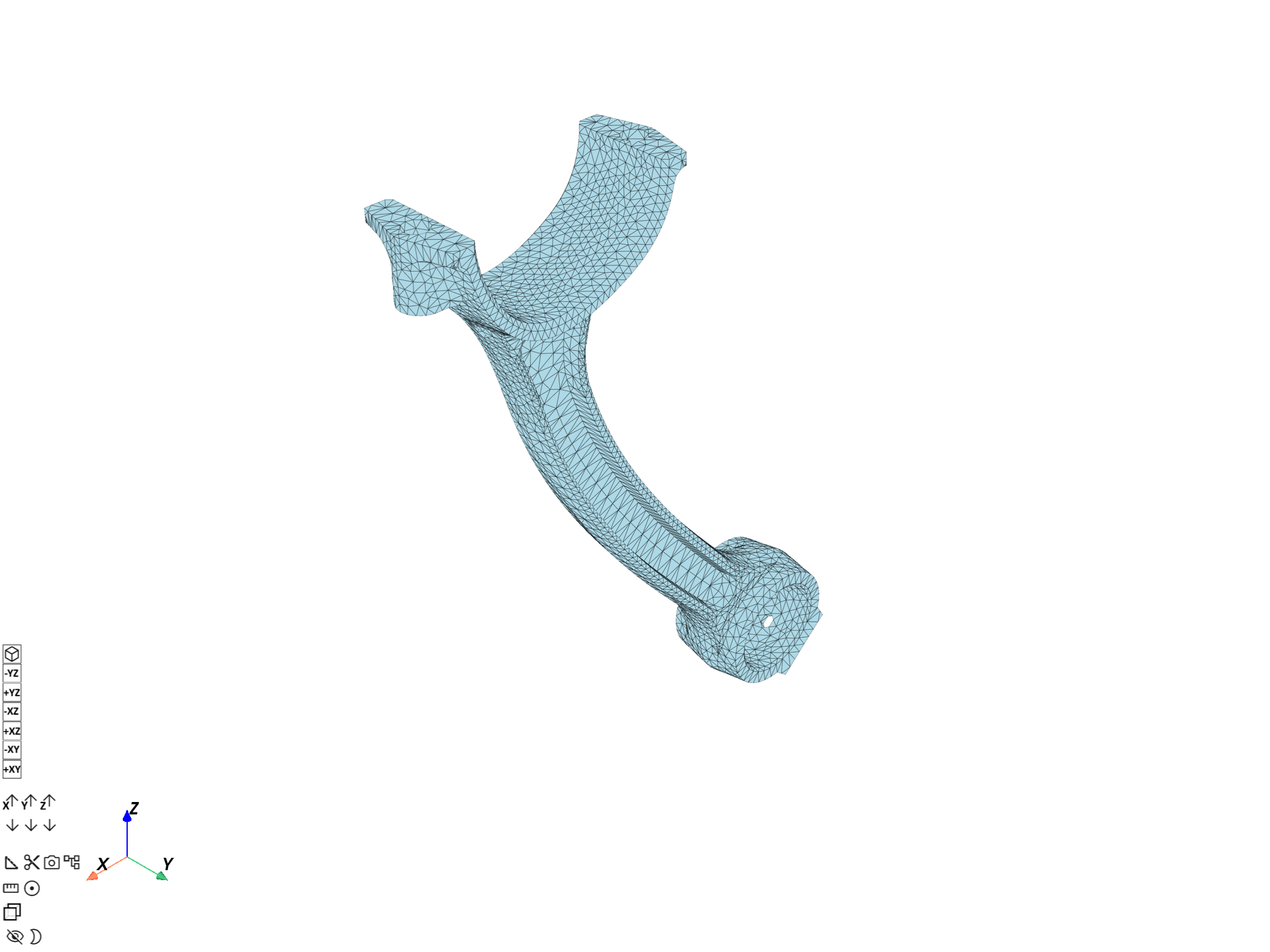
Create an instance of
DpfPlotter.Add the mesh to the scene using
add_mesh(), passing the displacement operator to thedeform_byargument.Render and show the figure using
show_figure().
plotter_1 = dpf.plotter.DpfPlotter()
plotter_1.add_mesh(meshed_region=meshed_region_1, deform_by=disp_op, scale_factor=scl_fct)
plotter_1.show_figure()
([], <pyvista.plotting.plotter.Plotter object at 0x0000023346EBD730>)
You can also plot data contours on a deformed mesh. For more information, see Plot contours.
Plot several meshes#
Build a collection of meshes#
Use the
split_mesh operator
to split the mesh based on the material of each element.
This operator returns a
MeshesContainer with meshes
labeled according to the split criterion. For more information, see the
Split a mesh and Extract a mesh in split parts
tutorials.
meshes = ops.mesh.split_mesh(mesh=meshed_region_1, property="mat").eval()
print(meshes)
DPF  Meshes Container
  with 3 mesh(es)
  defined on labels: body mat

  with:
  - mesh 0 {mat:  1, body:  1, } with 17281 nodes and 9026 elements.
  - mesh 1 {mat:  2, body:  2, } with 17610 nodes and 9209 elements.
  - mesh 2 {mat:  3, body:  3, } with 1271 nodes and 602 elements.
Plot the deformed meshes#
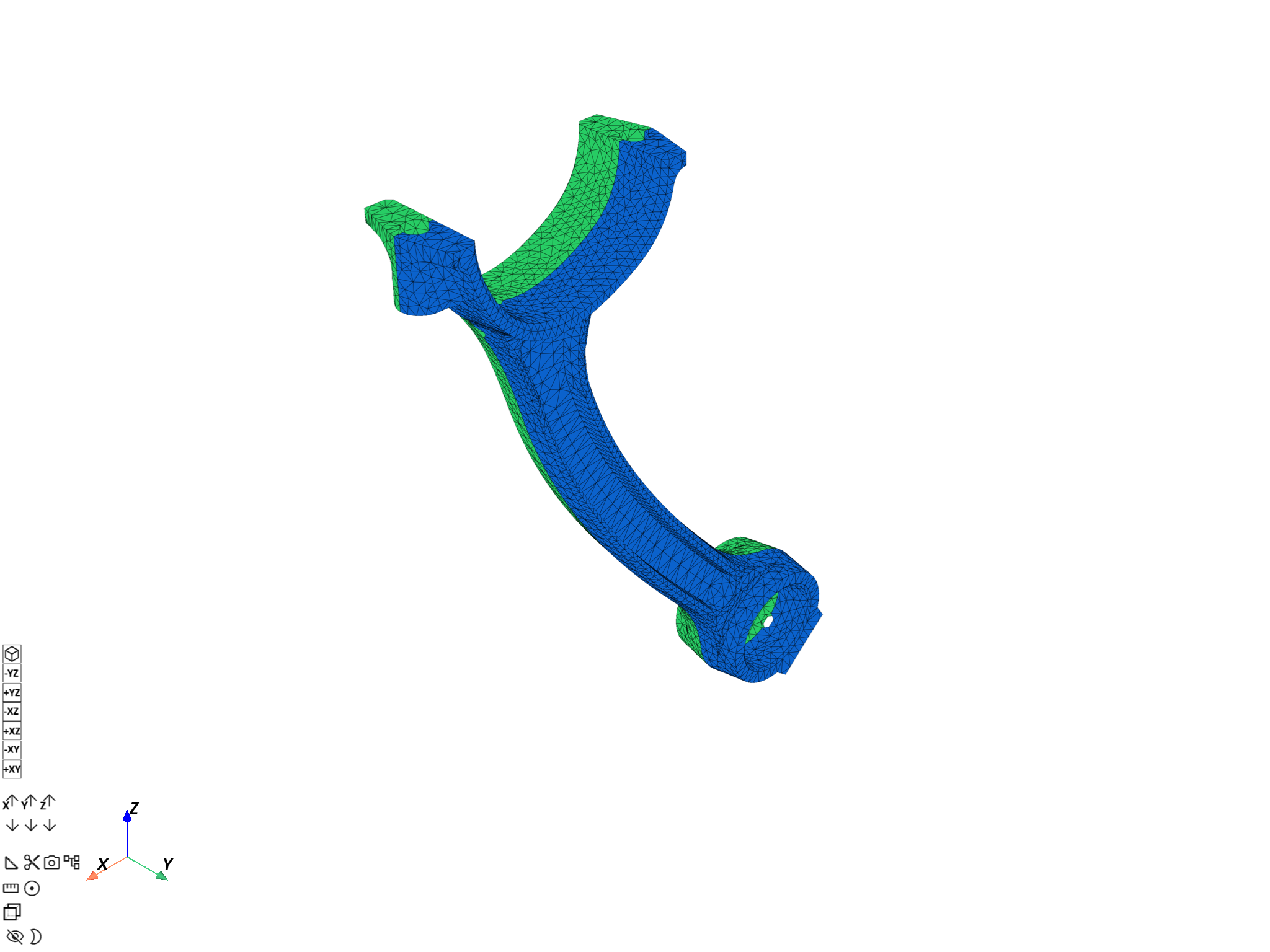
Use
MeshesContainer.plot()
and pass the displacement operator to deform_by.
This plots all MeshedRegion objects in the MeshesContainer and colors them based
on the split criterion.
meshes.plot(deform_by=disp_op, scale_factor=scl_fct)
([], <pyvista.plotting.plotter.Plotter object at 0x000002334B8BA780>)
You can also plot data on a collection of deformed meshes. For more information, see Plot contours.
Total running time of the script: (0 minutes 11.557 seconds)