

Note
Go to the end to download the full example code.
Plot contours#
This tutorial shows different commands for plotting data contours on meshes.
PyDPF-Core has a variety of plotting methods for generating 3D plots with Python. These methods use VTK and leverage the PyVista library.
Load data to plot#
Load a result file in a model#
import ansys.dpf.core as dpf
from ansys.dpf.core import examples, operators as ops

result_file_path_1 = examples.download_piston_rod()
model_1 = dpf.Model(data_sources=result_file_path_1)
Extract data for the contour#
For more information about extracting results from a result file, see the Import Data tutorials section.
Note
Only the elemental or nodal locations are supported for plotting.
Here, we choose to plot the XX component of the stress tensor.
stress_XX_op = ops.result.stress_X(data_sources=model_1)

# The default behavior is to return data as ElementalNodal
print(stress_XX_op.eval())
DPF stress(s)Fields Container
  with 1 field(s)
  defined on labels: time

  with:
  - field 0 {time:  3} with Nodal location, 1 components and 33337 entities.
Request the stress in a nodal location (the default ElementalNodal
location is not supported for plotting). We define the new location using
the operator input. Another option would be using the
to_nodal_fc
averaging operator on the output of the stress operator.
stress_XX_op.inputs.requested_location(dpf.locations.nodal)
stress_XX_fc = stress_XX_op.eval()
Extract the mesh#
meshed_region_1 = model_1.metadata.meshed_region
Plot a contour of a single field#
There are three methods to plot a single
Field:
Field.plot()MeshedRegion.plot()with the field as argumentDpfPlotterwithadd_field()(more performant)
Get a single field from the FieldsContainer.
stress_XX = stress_XX_fc[0]
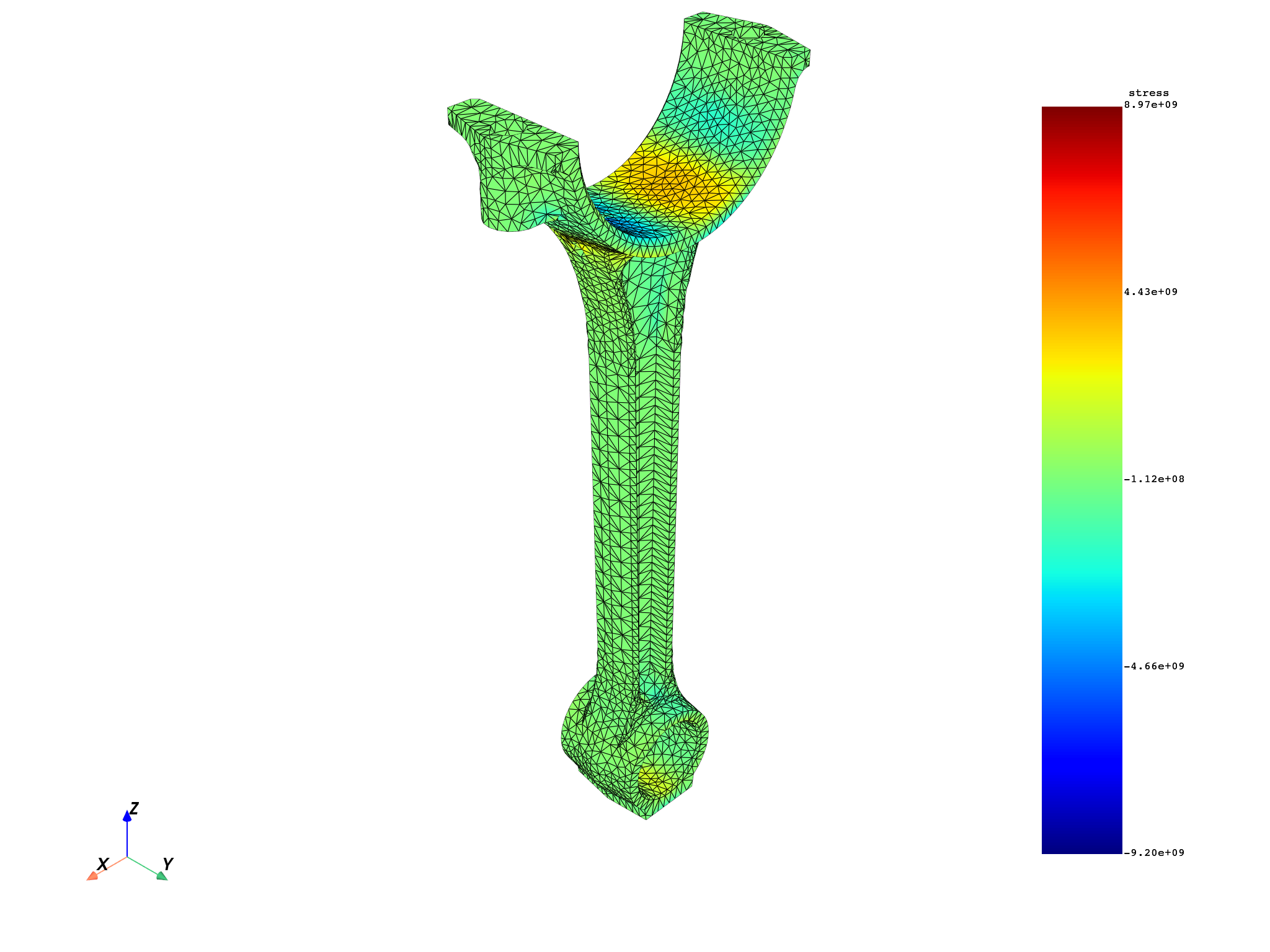
Plot using Field.plot()#
If the Field does not have an associated
mesh support (see
Field.meshed_region),
provide a mesh with the meshed_region argument.
stress_XX.plot(meshed_region=meshed_region_1)
(None, <pyvista.plotting.plotter.Plotter object at 0x0000023338EFFE30>)
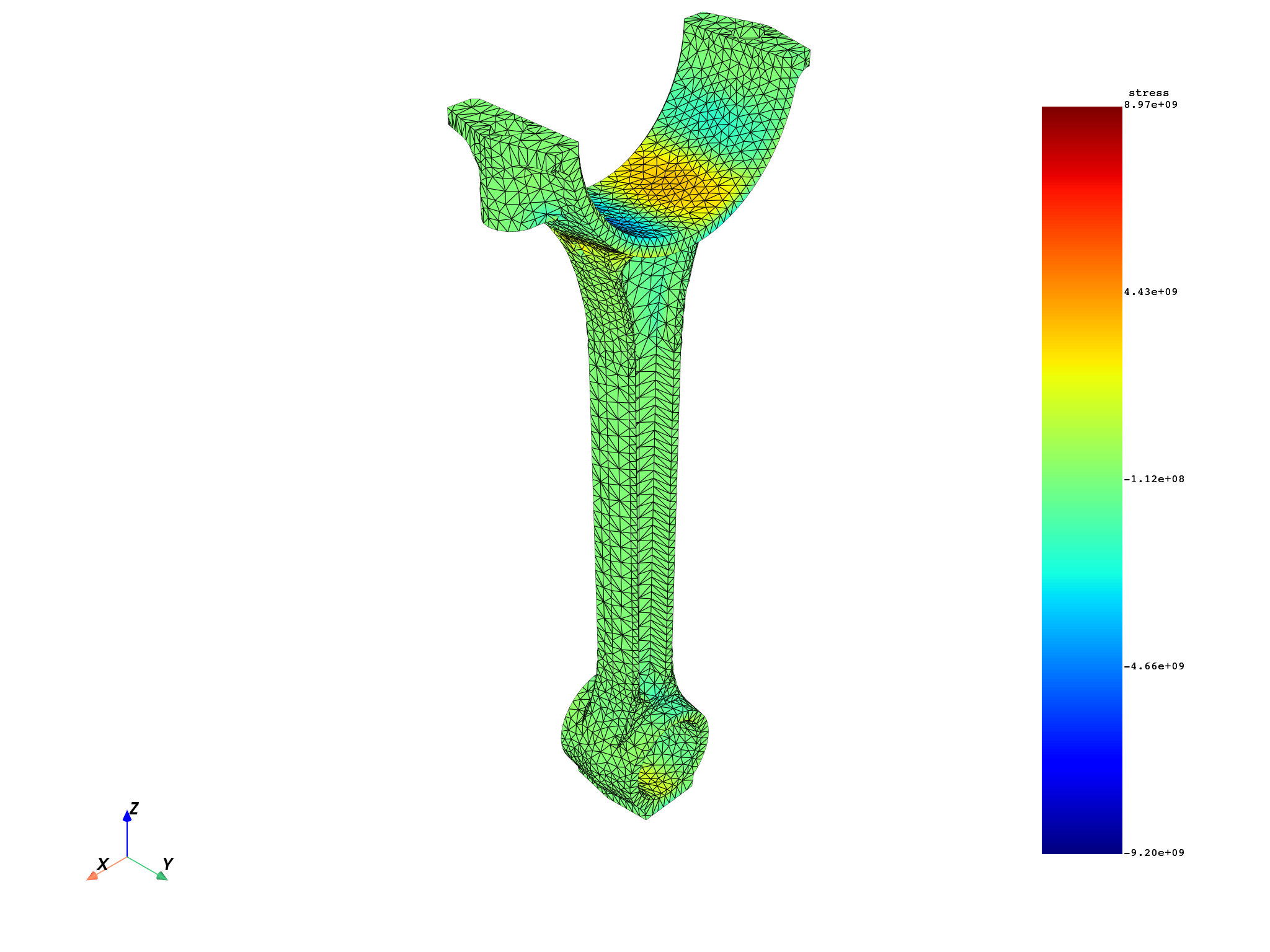
Plot using MeshedRegion.plot()#
Use the field_or_fields_container argument to pass the field.
meshed_region_1.plot(field_or_fields_container=stress_XX)
(None, <pyvista.plotting.plotter.Plotter object at 0x000002333C33EAE0>)
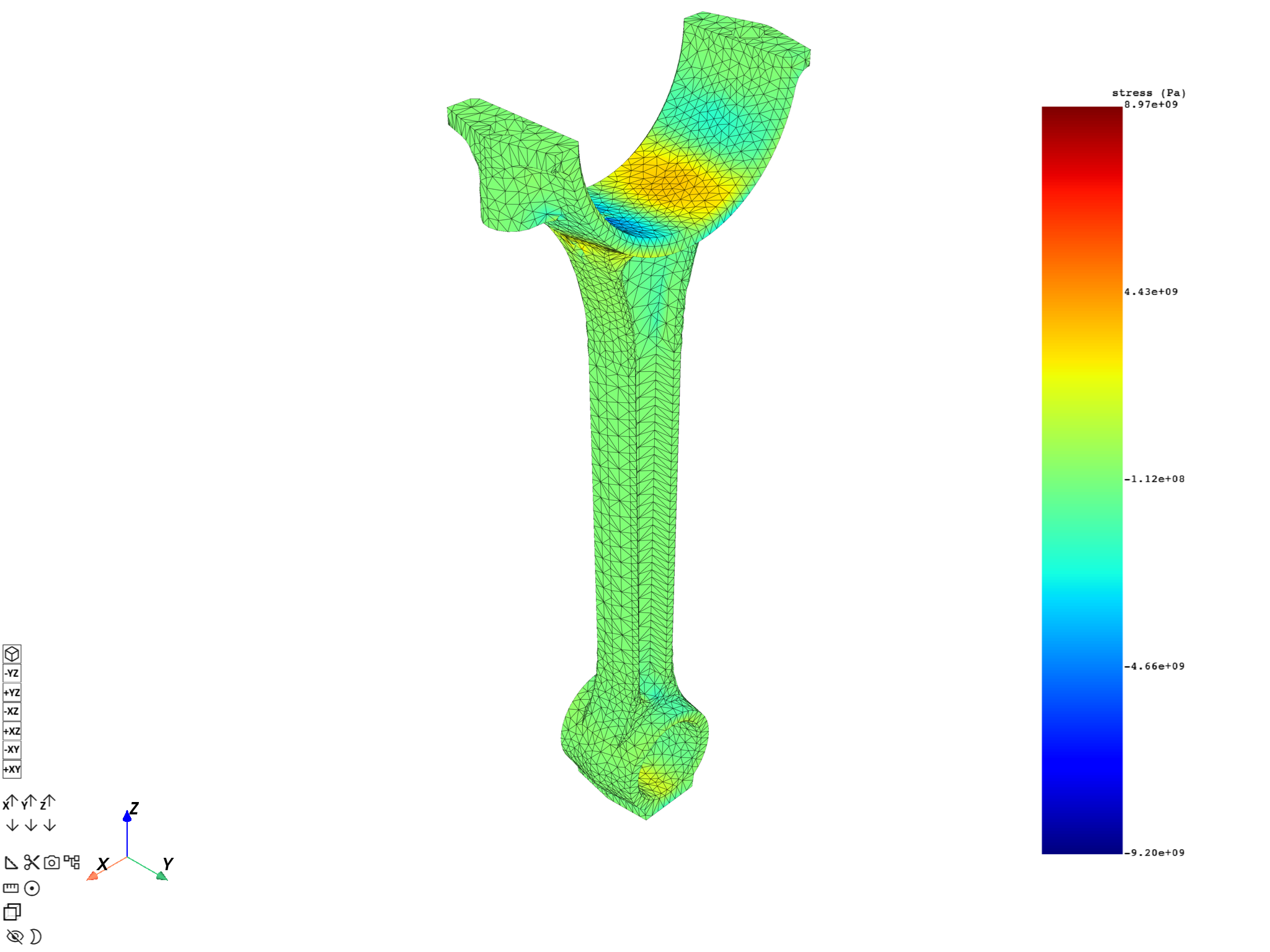
Plot using DpfPlotter#
Create an instance of
DpfPlotter.Add the field using
add_field(). If the field has no associated mesh support, provide a mesh with themeshed_regionargument.Render and show the figure using
show_figure().
You can also first call
add_mesh() to add the
mesh and then call add_field() without the meshed_region argument.
plotter_1 = dpf.plotter.DpfPlotter()
plotter_1.add_field(field=stress_XX, meshed_region=meshed_region_1)
plotter_1.show_figure()
([], <pyvista.plotting.plotter.Plotter object at 0x0000023338EFD610>)
Plot a contour of multiple fields#
Prepare a collection of fields#
Warning
The fields should not have conflicting data — you cannot build a contour for two fields with two different sets of data for the same mesh entities (intersecting scopings). These methods are therefore not available for a collection of fields varying across time, or for different shell layers of the same elements.
Here we split the field for XX stress based on material to get a collection of fields with non-conflicting associated mesh entities.
We use the
split_fields
operator together with the
split_mesh
operator. For MAPDL results, a split on material is equivalent to a split on
bodies.
fields = (
    ops.mesh.split_fields(
        field_or_fields_container=stress_XX_fc,
        meshes=ops.mesh.split_mesh(mesh=meshed_region_1, property="mat"),
    )
).eval()
print(fields)
DPF  Fields Container
  with 2 field(s)
  defined on labels: body mat time

  with:
  - field 0 {mat:  1, body:  1, time:  3} with Nodal location, 1 components and 17281 entities.
  - field 1 {mat:  2, body:  2, time:  3} with Nodal location, 1 components and 17610 entities.
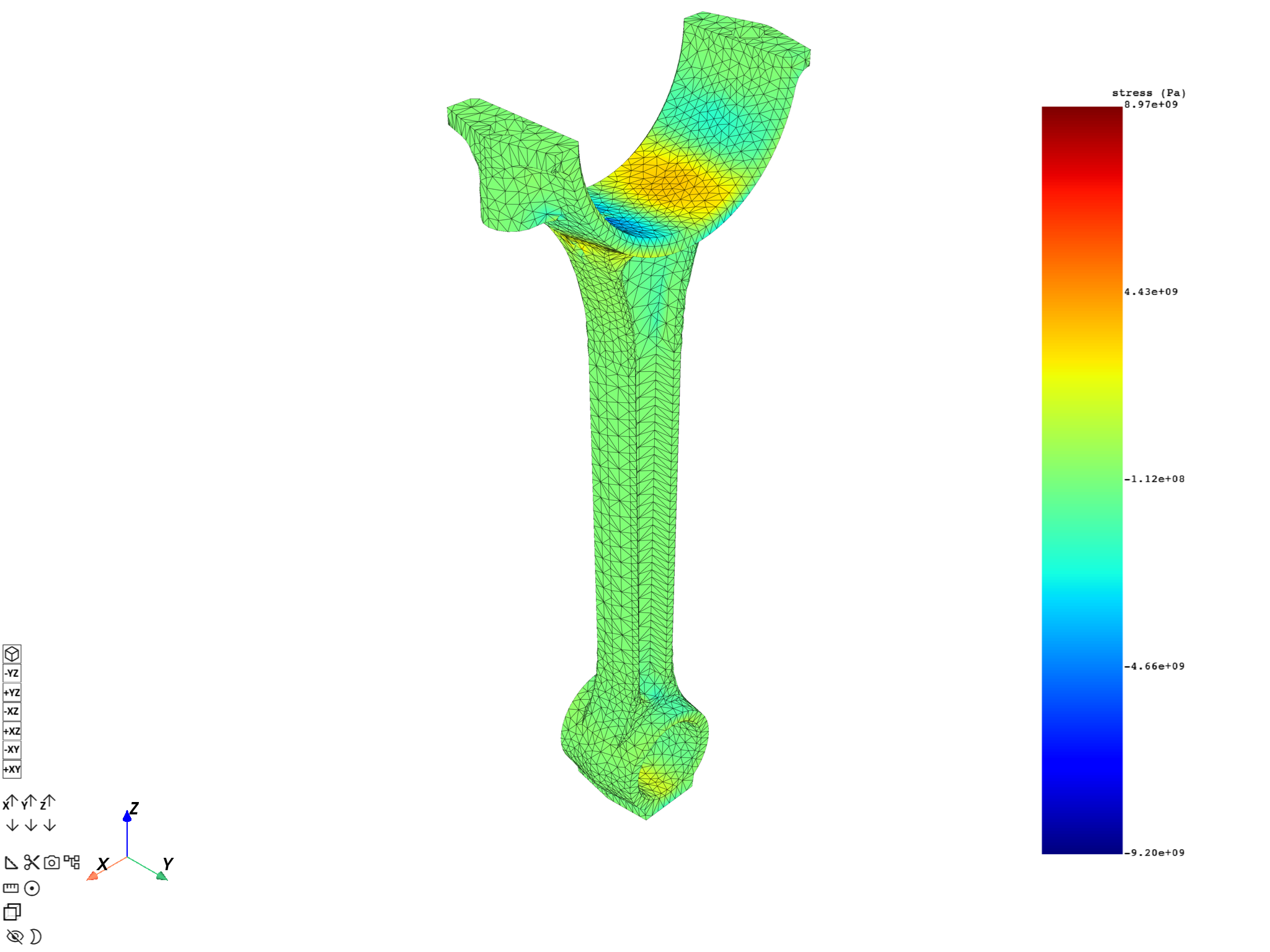
Plot the contour using FieldsContainer.plot()#
Use
FieldsContainer.plot().
fields.plot()
([], <pyvista.plotting.plotter.Plotter object at 0x0000023346EBCBC0>)
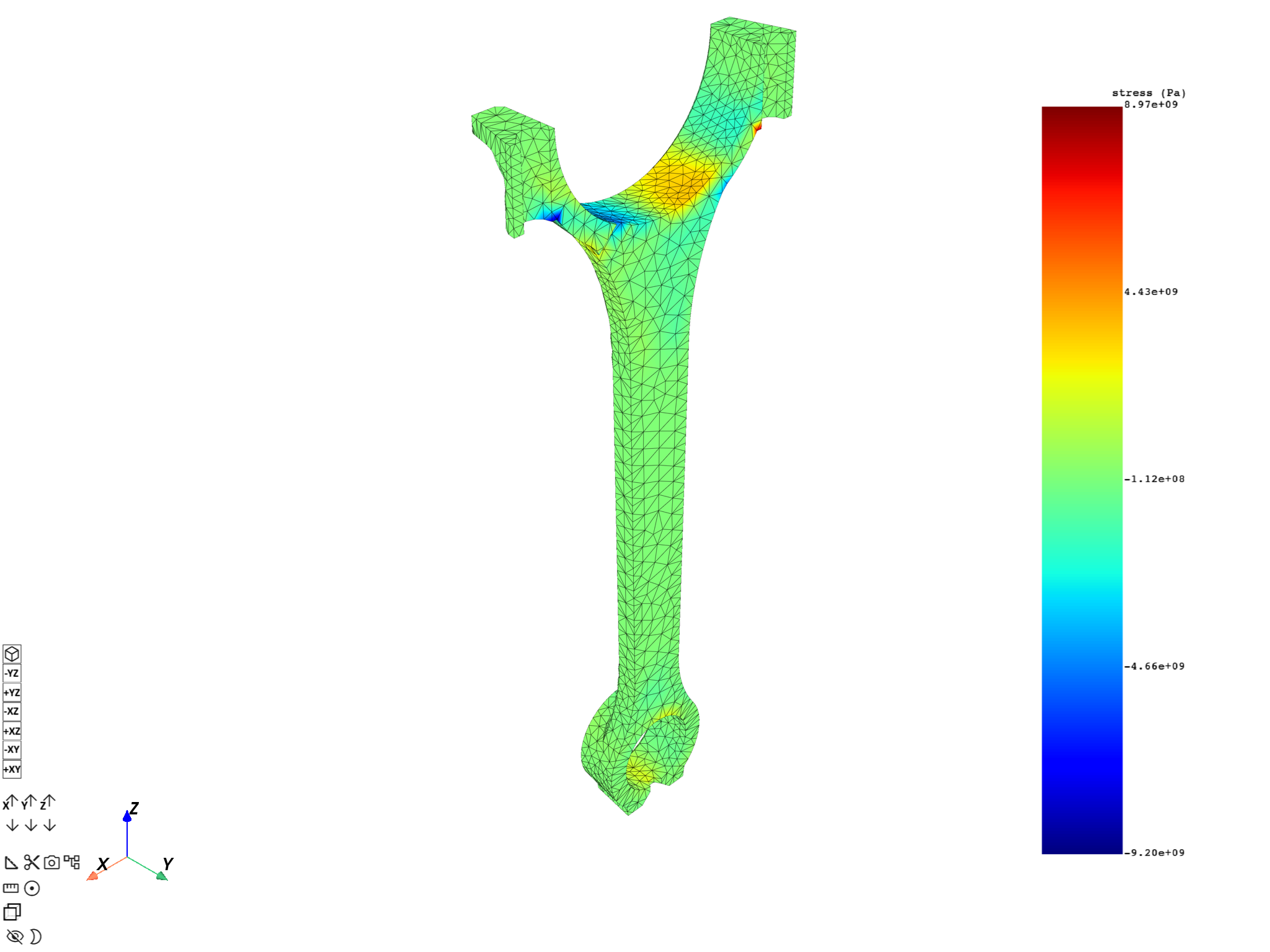
The label_space argument provides further field filtering capabilities.
fields.plot(label_space={"mat": 1})
([], <pyvista.plotting.plotter.Plotter object at 0x000002334B8B82F0>)
Plot the contour using MeshedRegion.plot()#
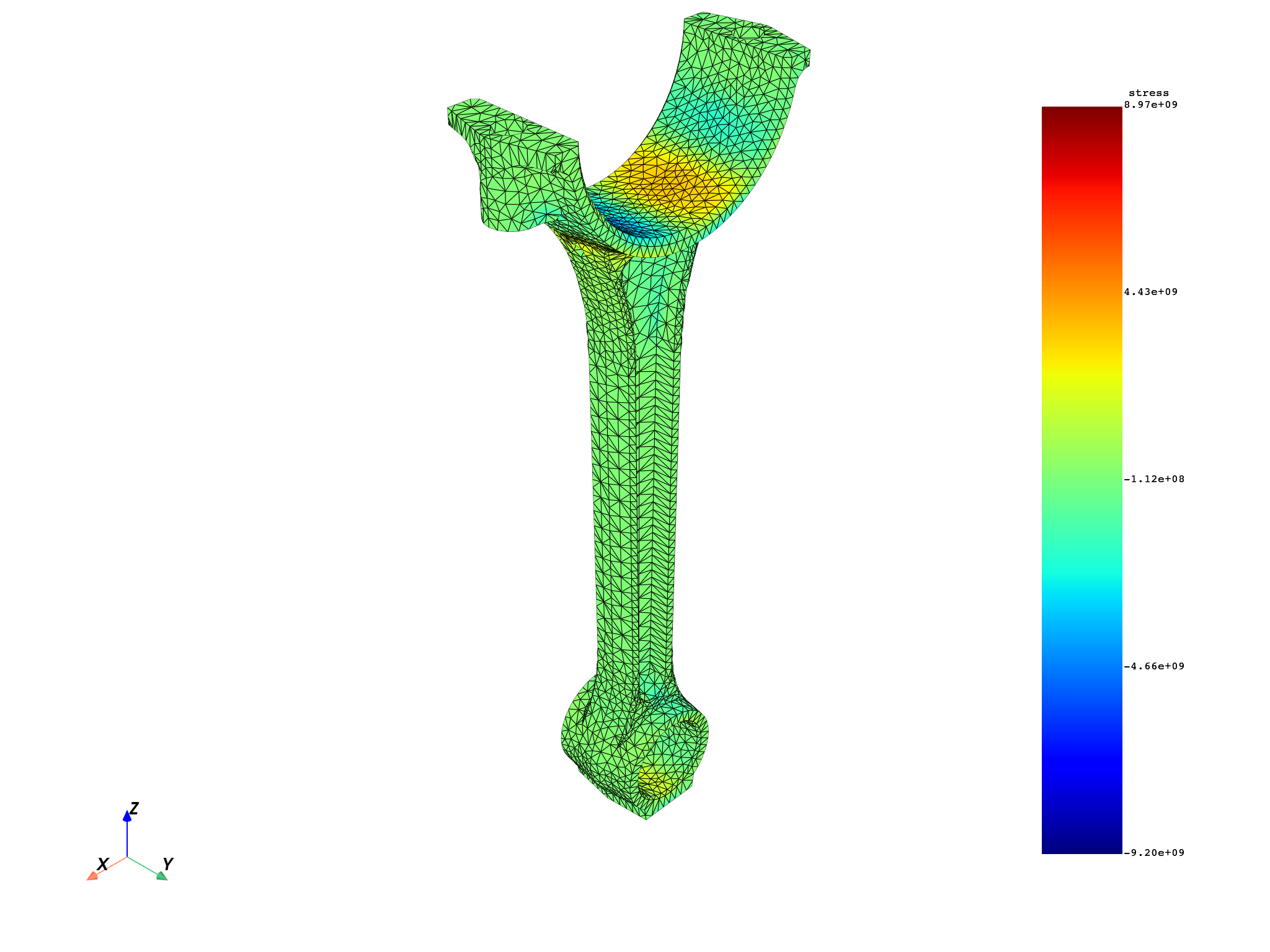
Use the field_or_fields_container argument.
meshed_region_1.plot(field_or_fields_container=fields)
(None, <pyvista.plotting.plotter.Plotter object at 0x0000023341551610>)
Plot the contour using DpfPlotter#
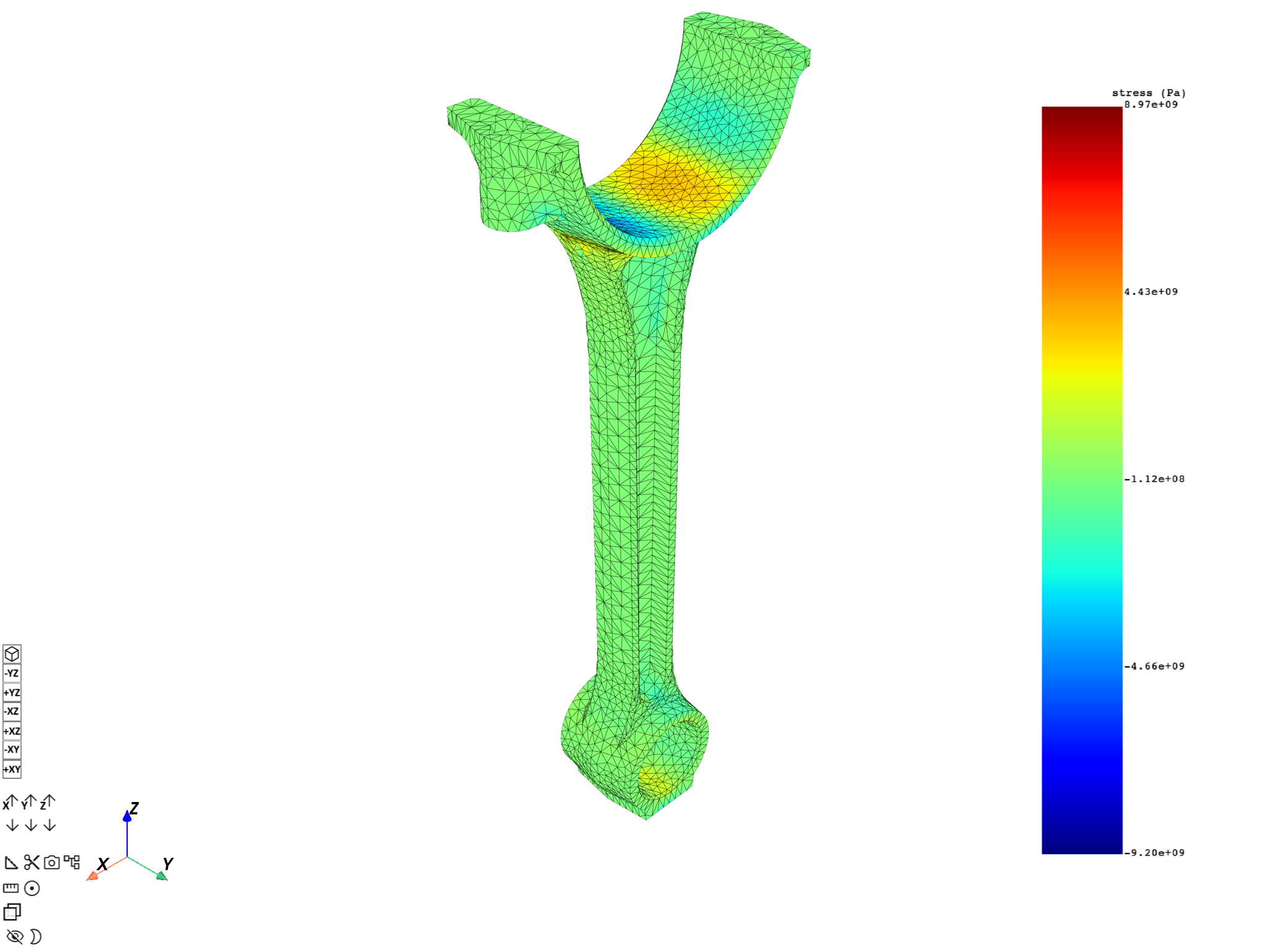
Add each field individually using
add_field().
plotter_2 = dpf.plotter.DpfPlotter()
plotter_2.add_field(field=fields[0])
plotter_2.add_field(field=fields[1])
plotter_2.show_figure()
([], <pyvista.plotting.plotter.Plotter object at 0x0000023346EBDF40>)
Total running time of the script: (0 minutes 15.081 seconds)