

Note
Go to the end to download the full example code.
Review of available plotting commands#
This example lists the different plotting commands available, shown with the arguments available.
DPF Model
------------------------------
Static analysis
Unit system: MKS: m, kg, N, s, V, A, degC
Physics Type: Mechanical
Available results:
     -  node_orientations: Nodal Node Euler Angles
     -  displacement: Nodal Displacement
     -  nodal_rotation: Nodal Rotation
     -  reaction_force: Nodal Reaction Force
     -  reaction_moment: Nodal Reaction Moment
     -  stress: ElementalNodal Stress
     -  elemental_volume: Elemental Volume
     -  stiffness_matrix_energy: Elemental Energy-stiffness matrix
     -  artificial_hourglass_energy: Elemental Hourglass Energy
     -  kinetic_energy: Elemental Kinetic Energy
     -  co_energy: Elemental co-energy
     -  incremental_energy: Elemental incremental energy
     -  thermal_dissipation_energy: Elemental thermal dissipation energy
     -  elastic_strain: ElementalNodal Strain
     -  elastic_strain_eqv: ElementalNodal Strain eqv
     -  element_orientations: ElementalNodal Element Euler Angles
     -  structural_temperature: ElementalNodal Structural temperature
     -  contact_status: ElementalNodal Contact Status
     -  contact_penetration: ElementalNodal Contact Penetration
     -  contact_pressure: ElementalNodal Contact Pressure
     -  contact_friction_stress: ElementalNodal Contact Friction Stress
     -  contact_total_stress: ElementalNodal Contact Total Stress
     -  contact_sliding_distance: ElementalNodal Contact Sliding Distance
     -  contact_gap_distance: ElementalNodal Contact Gap Distance
     -  contact_surface_heat_flux: ElementalNodal Total heat flux at contact surface
     -  num_surface_status_changes: ElementalNodal Contact status changes
     -  contact_fluid_penetration_pressure: ElementalNodal Fluid Penetration Pressure
------------------------------
DPF  Meshed Region:
  7079 nodes
  4220 elements
  Unit: m
  With solid (3D) elements, shell (2D) elements, shell (3D) elements
------------------------------
DPF  Time/Freq Support:
  Number of sets: 1
Cumulative     Time (s)       LoadStep       Substep
1              1.000000       1              1


([], <pyvista.plotting.plotter.Plotter object at 0x0000019F4CCE5280>)
from ansys.dpf import core as dpf
from ansys.dpf.core import examples

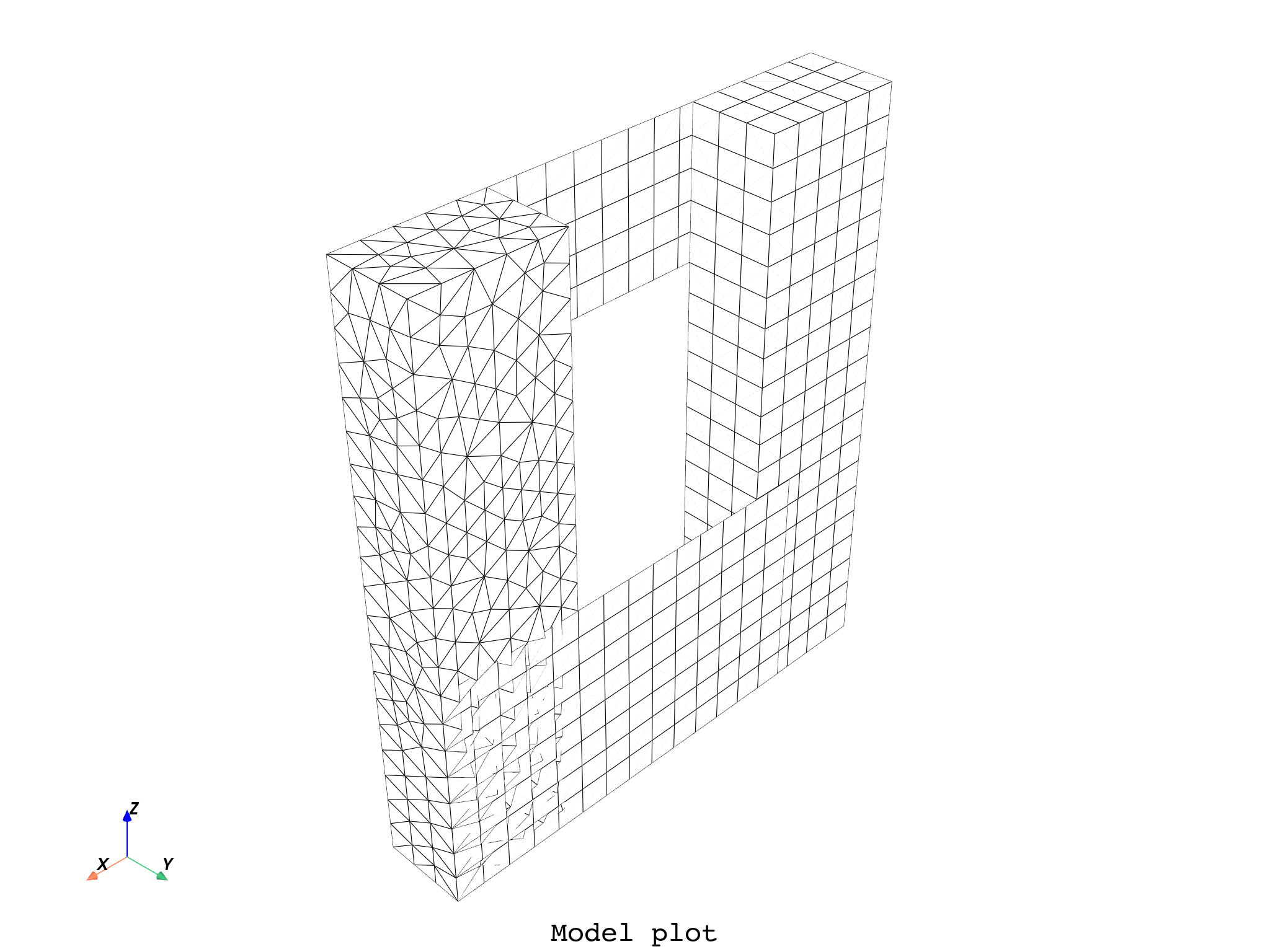
# Plot the bare mesh of a model
model = dpf.Model(examples.find_multishells_rst())
print(model)
model.plot(color="w", show_edges=True, title="Model", text="Model plot")
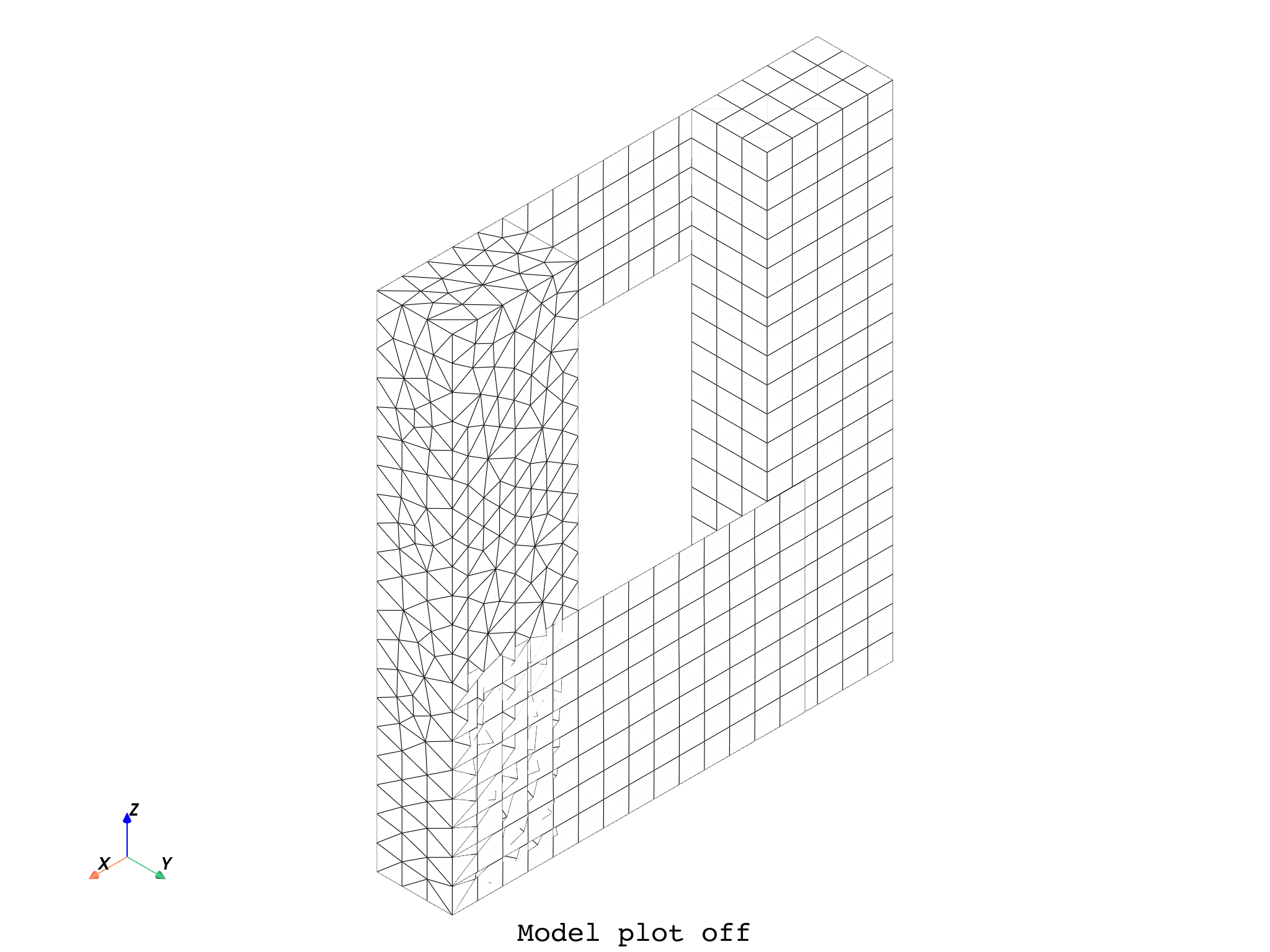
# # Additional PyVista kwargs are supported, such as:
model.plot(
    off_screen=True,
    notebook=False,
    screenshot="model_plot.png",
    title="Model",
    text="Model plot off",
    parallel_projection=True,
    zoom=2.0,
)

# Notes:
# - To make screenshots, use "screenshot" as well as "notebook=False" if on a Jupyter notebook.
# - The "off_screen" keyword only works when "notebook=False" to prevent the GUI from appearing.


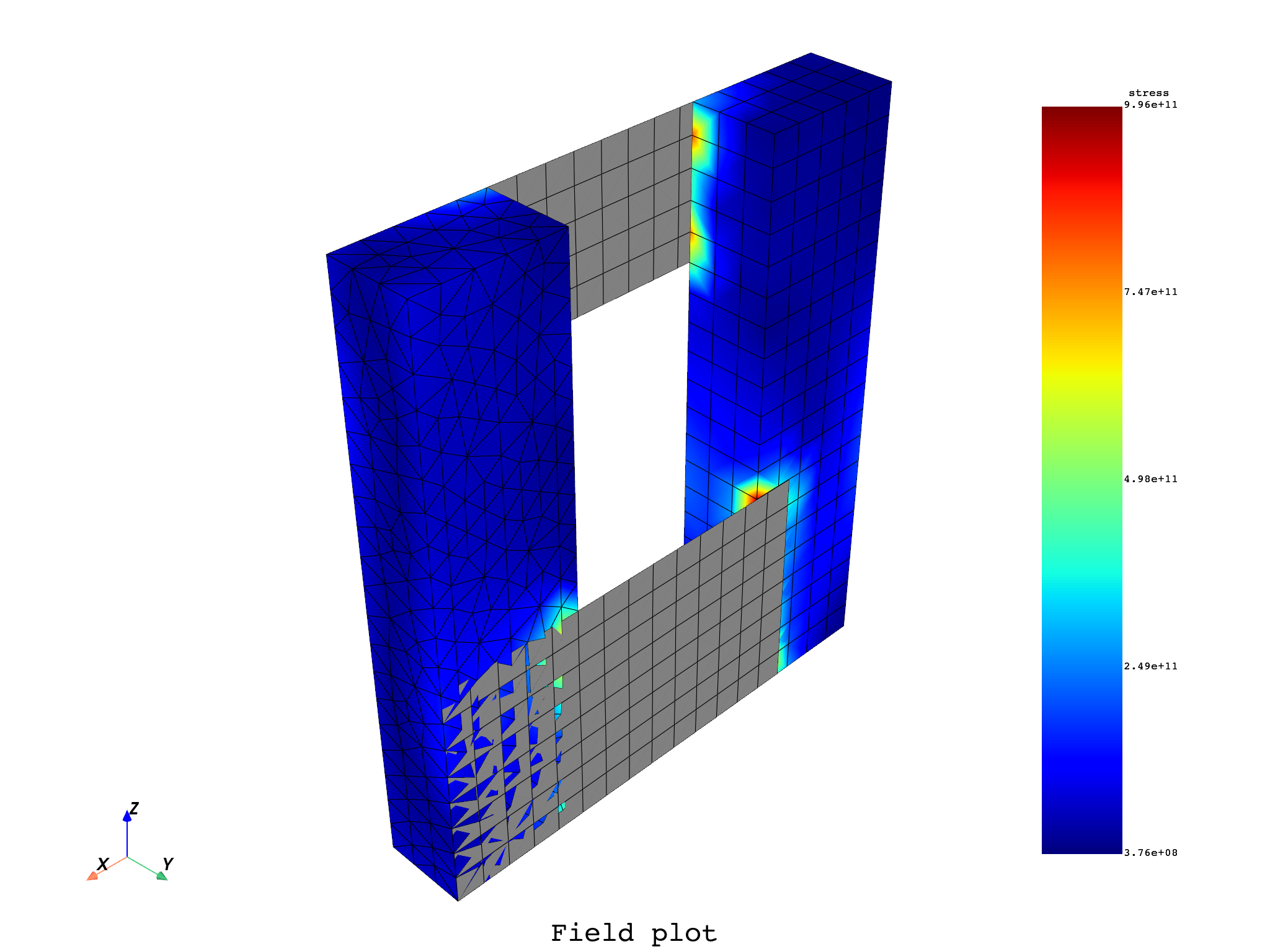
# Plot a field on its supporting mesh
stress = model.results.stress()
# We request the stress as nodal to bypass a bug for DPF 2025 R1 and below
# which prevents from plotting ElementalNodal data on shells
stress.inputs.requested_location.connect(dpf.locations.nodal)
fc = stress.outputs.fields_container()
field = fc[0]
field.plot(notebook=False, shell_layers=None, show_axes=True, title="Field", text="Field plot")
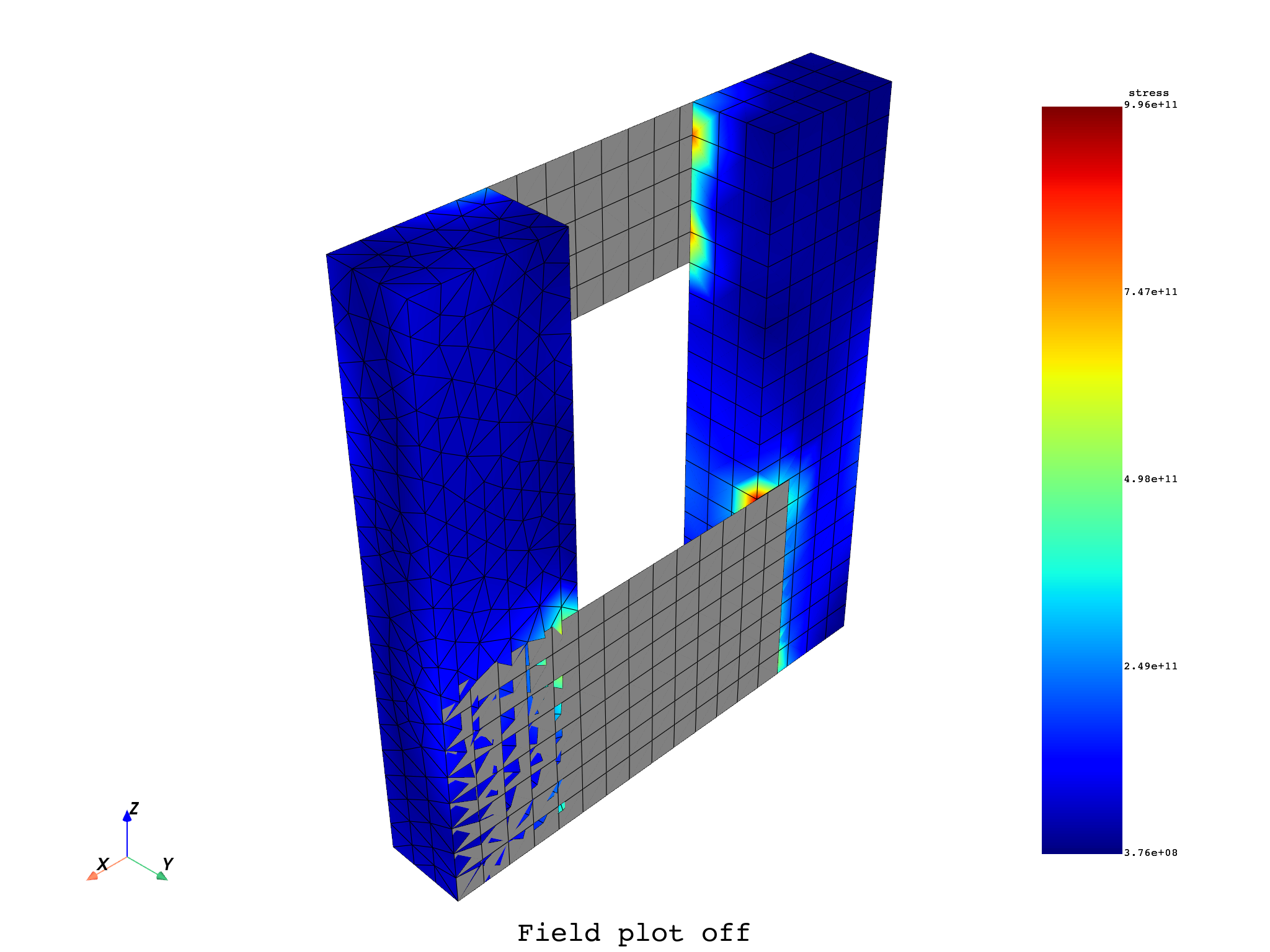
# # Additional PyVista kwargs are supported, such as:
field.plot(
    off_screen=True,
    notebook=False,
    screenshot="field_plot.png",
    title="Field",
    text="Field plot off",
)
#
# # Alternatively one can plot the MeshedRegion associated to the model
mesh = model.metadata.meshed_region
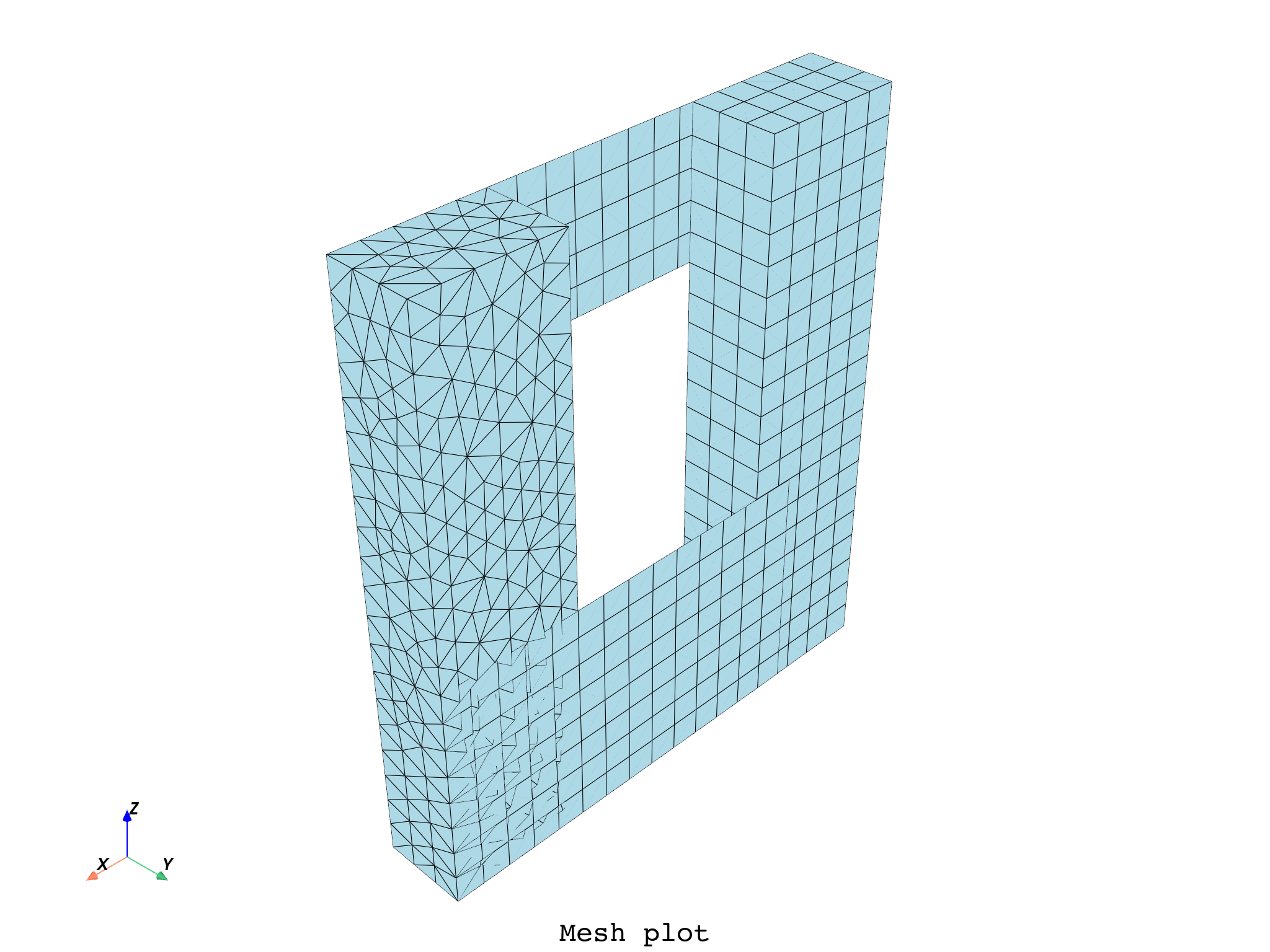
mesh.plot(
    field_or_fields_container=None,
    shell_layers=None,
    show_axes=True,
    title="Mesh fc None",
    text="Mesh plot",
)
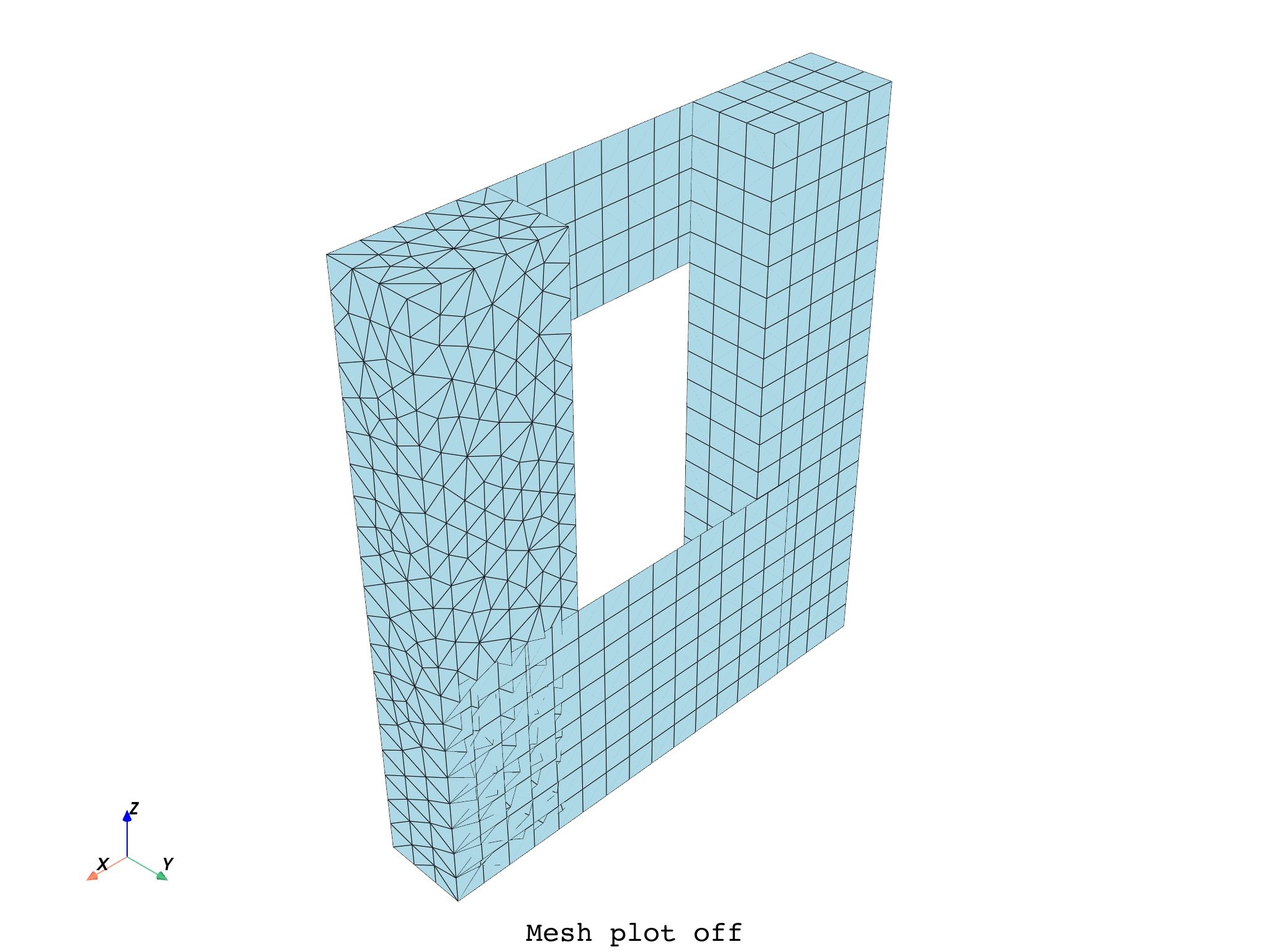
# Additional PyVista kwargs are supported, such as:
mesh.plot(
    off_screen=True,
    notebook=False,
    screenshot="mesh_plot.png",
    title="Mesh",
    text="Mesh plot off",
)
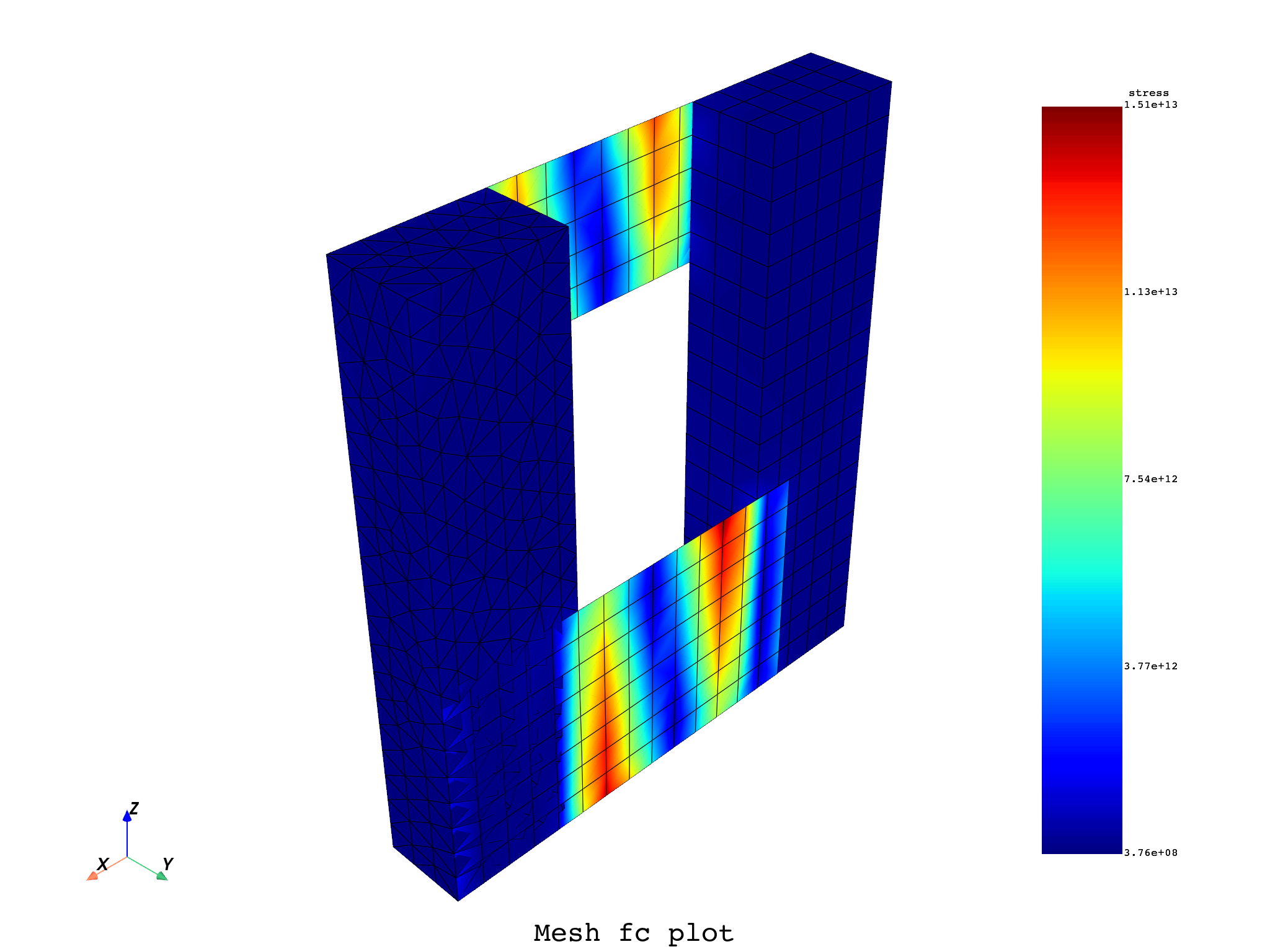
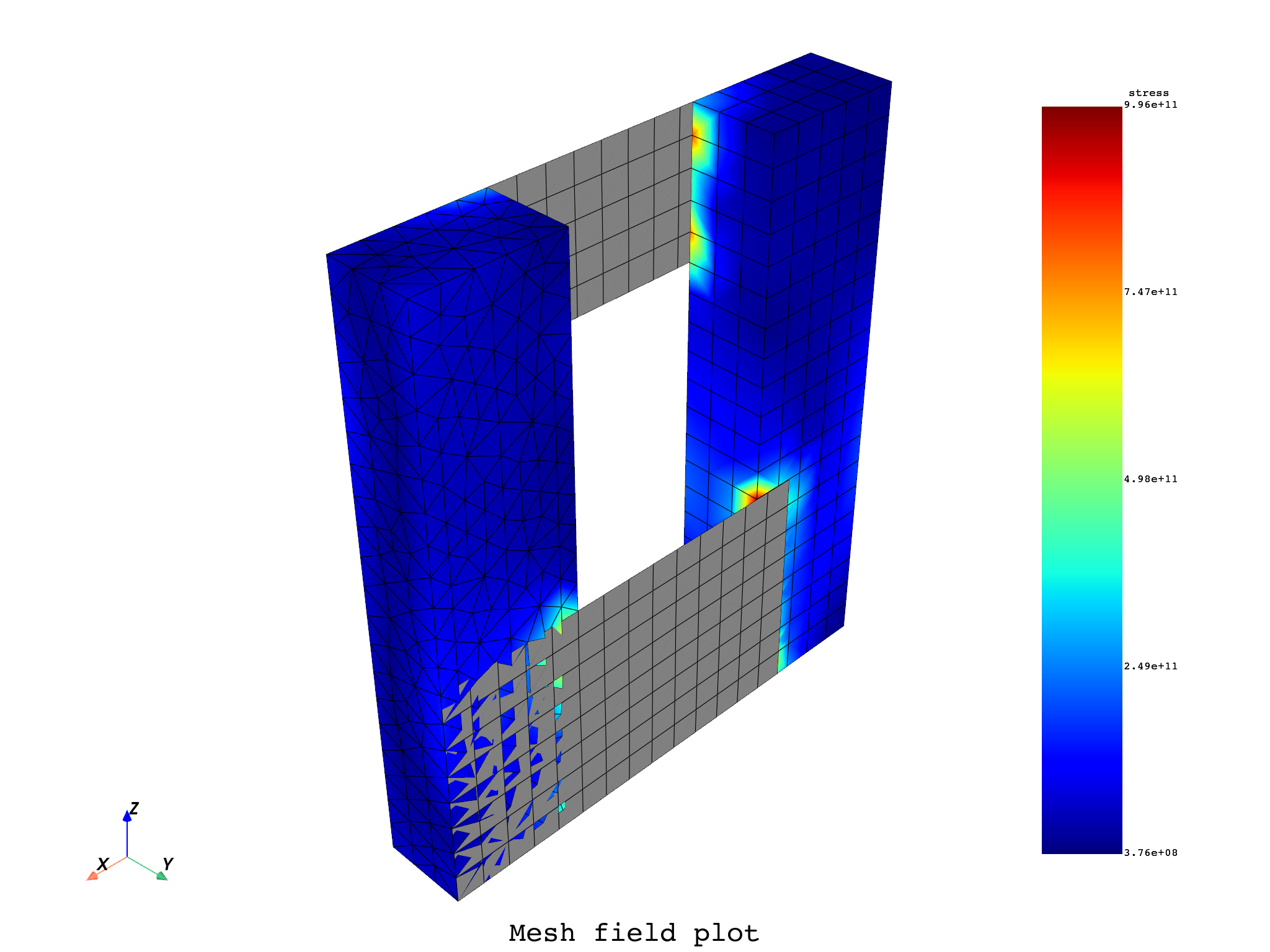
# A fields_container or a specific field can be given to plot on the mesh.
mesh.plot(
    field_or_fields_container=fc,
    title="Mesh with fields container",
    text="Mesh fc plot",
)
mesh.plot(field_or_fields_container=field, title="Mesh with field", text="Mesh field plot")


# ##############################################################################################
# # This next section requires a Premium context to be active du to the ``split_mesh`` operator.
# # Comment this last part to run the example as Entry.

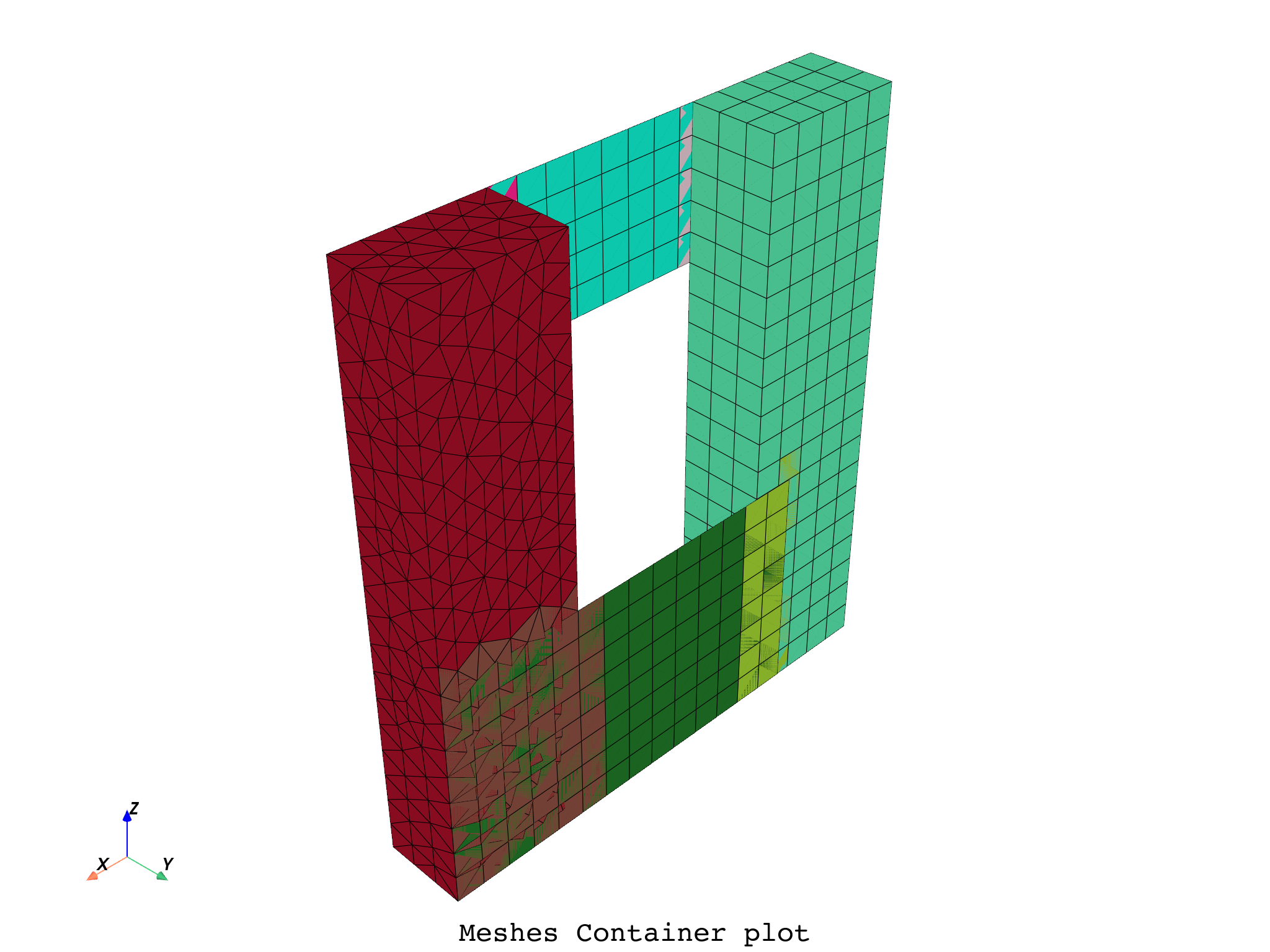
# One can also plot a MeshesContainer. Here our mesh is split by material.
split_mesh_op = dpf.Operator("split_mesh")
split_mesh_op.connect(7, mesh)
split_mesh_op.connect(13, "mat")
meshes_cont = split_mesh_op.get_output(0, dpf.types.meshes_container)
meshes_cont.plot(title="Meshes Container", text="Meshes Container plot")
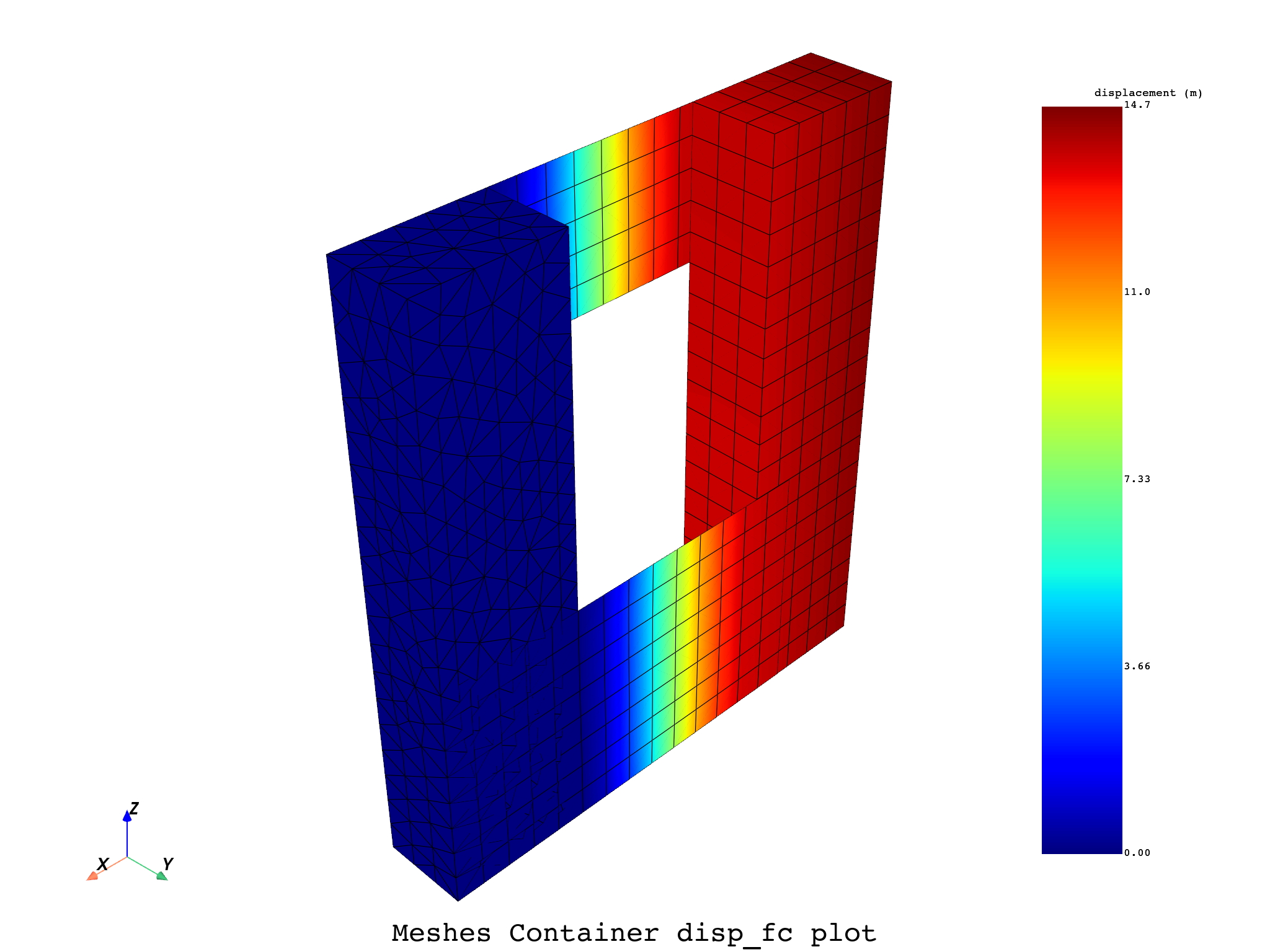
# A fields_container can be given as input, with results on each part of our split mesh.
disp_op = dpf.Operator("U")
disp_op.connect(7, meshes_cont)
ds = dpf.DataSources(examples.find_multishells_rst())
disp_op.connect(4, ds)
disp_fc = disp_op.outputs.fields_container()
meshes_cont.plot(disp_fc, title="Meshes Container disp_fc", text="Meshes Container disp_fc plot")
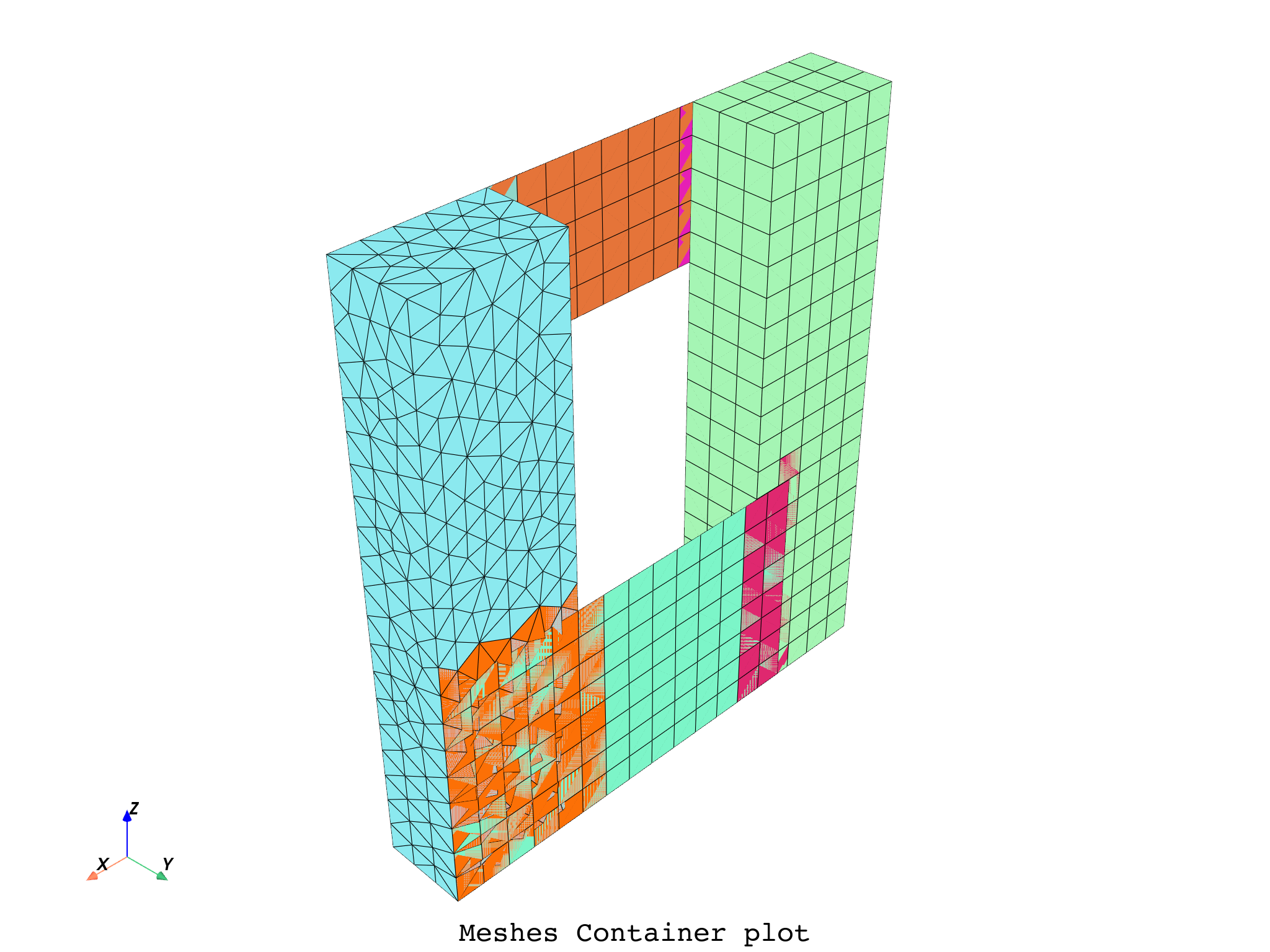
# Additional PyVista kwargs are supported, such as:
meshes_cont.plot(
    off_screen=True,
    notebook=False,
    screenshot="meshes_cont_plot.png",
    title="Meshes Container",
    text="Meshes Container plot",
)
Total running time of the script: (0 minutes 24.310 seconds)